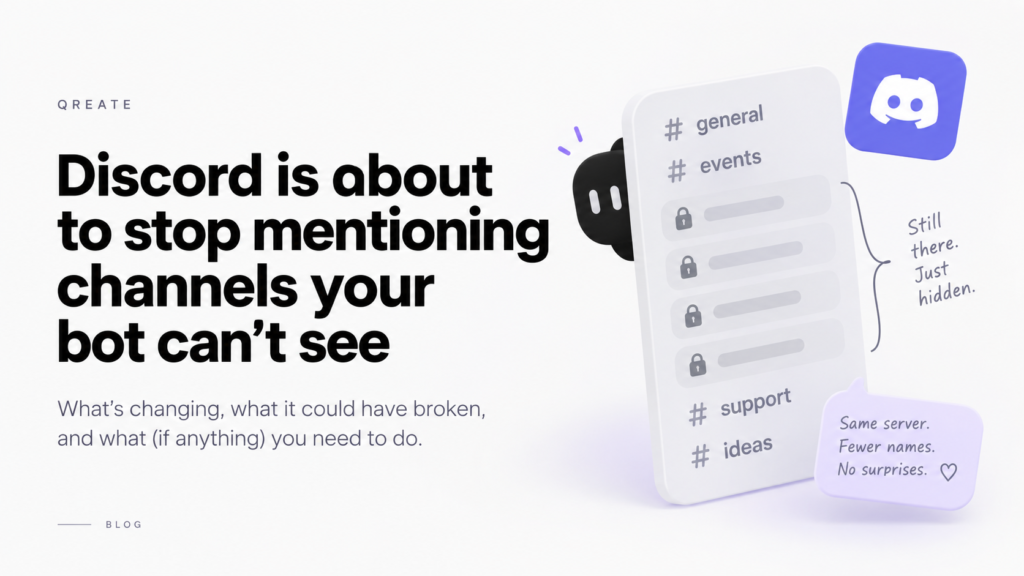

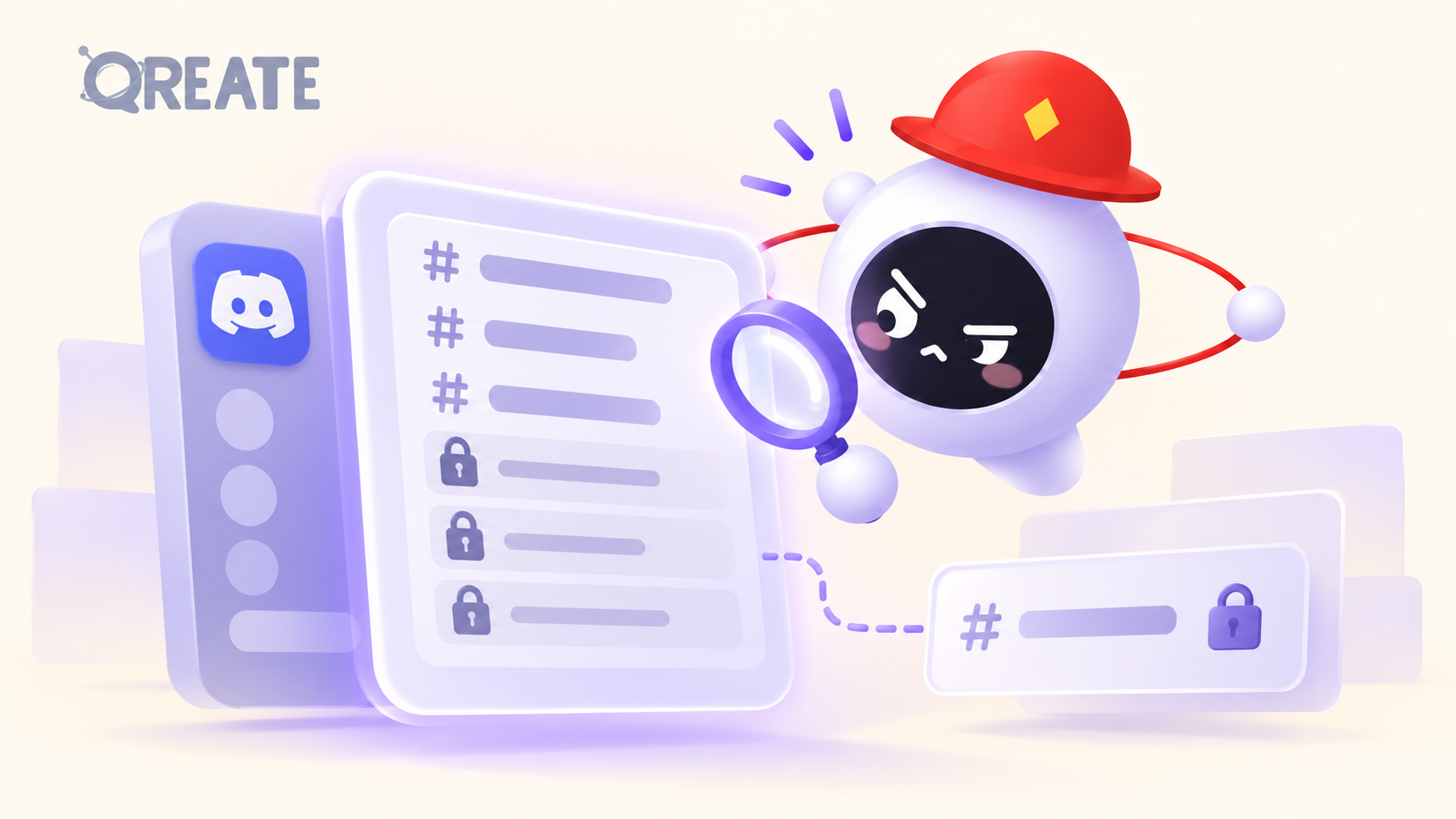
On one of the servers QREATE runs on, Discord currently reports 40 channels. Eleven of them, QREATE has no access to. Staff rooms, a couple of logs, the sort of place a bot has no business reading anyway.
From 16 November 2026, that same request will return 29. The other eleven won’t be marked private, or flagged, or returned with a note. They’ll be gone, in the way a word is gone when you delete it.
We’ve already changed how QREATE reads a server so that nothing disappears on that date. This post is about what actually changes, what you’ll see in your settings, and the one thing worth checking on your own server before November.
What Discord announced
The change is called channel obfuscation, and it landed in the developer changelog on 12 August. Short version: any channel your bot doesn’t have View Channel on stops being listed for that bot.
The details that matter:
- The HTTP call every bot uses to list a server’s channels omits them completely, starting 16 November 2026.
- Over the live connection, they still arrive, but redacted. The name becomes a placeholder, the permissions are reduced to “everyone is denied”, and a flag marks the channel as hidden.
- The id, the type, and where the channel sits in your category tree survive. So the shape of your server is intact. Only the contents of those rooms, and their names, are withheld.
- Slash commands are exempt. When someone runs a command in a channel, the bot gets the full picture of that channel, because it was invited into that moment on purpose.
We think this is the right change, and we’d say so even if it had cost us more work than it did. A bot being able to enumerate the name of every private staff channel it was never given access to was always a bit odd. If your argument against it is “but my bot needs the list”, that’s the argument Discord is answering.
What it would have broken
The failure here isn’t dramatic, which is exactly why it’s worth writing down. Nothing crashes. A list just gets shorter, and everything downstream believes the shorter list.
So a bot that wasn’t ready would tell you your own mod-log channel doesn’t exist. It would offer to create #staff for you, because no channel it can see is called that, and now you have two. A dropdown in a settings page would come back missing an option, quietly, and you’d have no reason to think anything had happened.
QREATE now reads both sources and merges them. A channel it can’t look into keeps its place, marked as one QREATE can’t see. Q counts them out loud rather than pretending the server is smaller than it is. Nothing about that requires anything from you.
The bug we found while getting ready
Here’s the part we’d rather tell you than have you find.
While tracing where a missing channel could do damage, we found that our picker already had the problem, and had had it for a while. If you’d saved a setting pointing at a channel that later dropped off the list for any reason, the dropdown fell back to showing “Not set”, and the next time you saved that page, it wrote that emptiness to your settings. You hadn’t chosen it. The dropdown had.
November would have turned that from rare into routine.
It’s fixed. A saved channel now keeps its slot in the dropdown whether or not QREATE can see it, marked with a padlock so you know why nothing is being posted there. Selecting it is still valid. Grant QREATE’s role View Channel on that channel and the padlock goes.
If you’ve had a setting mysteriously come back empty at some point, that was probably this, and we’re sorry about it.
One smaller thing from the same month
On 11 September the command box got fuzzy matching, so typing /r a finds /role add. Long text options can be multiline now, and Discord remembers which command you had selected when you switch channels and come back. This is Discord’s own client, so you get it without anyone shipping anything. On our side we gave /module a proper suggestion list, since the old design assumed you’d memorised thirty module ids, which was optimistic of us.
What to do before 16 November
Probably nothing. That’s the intent.
The one thing worth doing: if there’s a channel you expect QREATE to post in, open Server Settings and confirm QREATE’s role has View Channel on it. That was already the requirement for posting. From November it’s also what decides whether the channel shows up by name in your settings at all.
If you’d rather test rather than trust us, take any channel QREATE can’t see, grant it View Channel, and watch the padlock disappear from the picker. If it doesn’t, tell us, because that’s a bug and we’d like to know before November rather than after.
Sources: Discord’s changelog entries for channel obfuscation, the upload limit and the command box, plus the obfuscated channels reference.