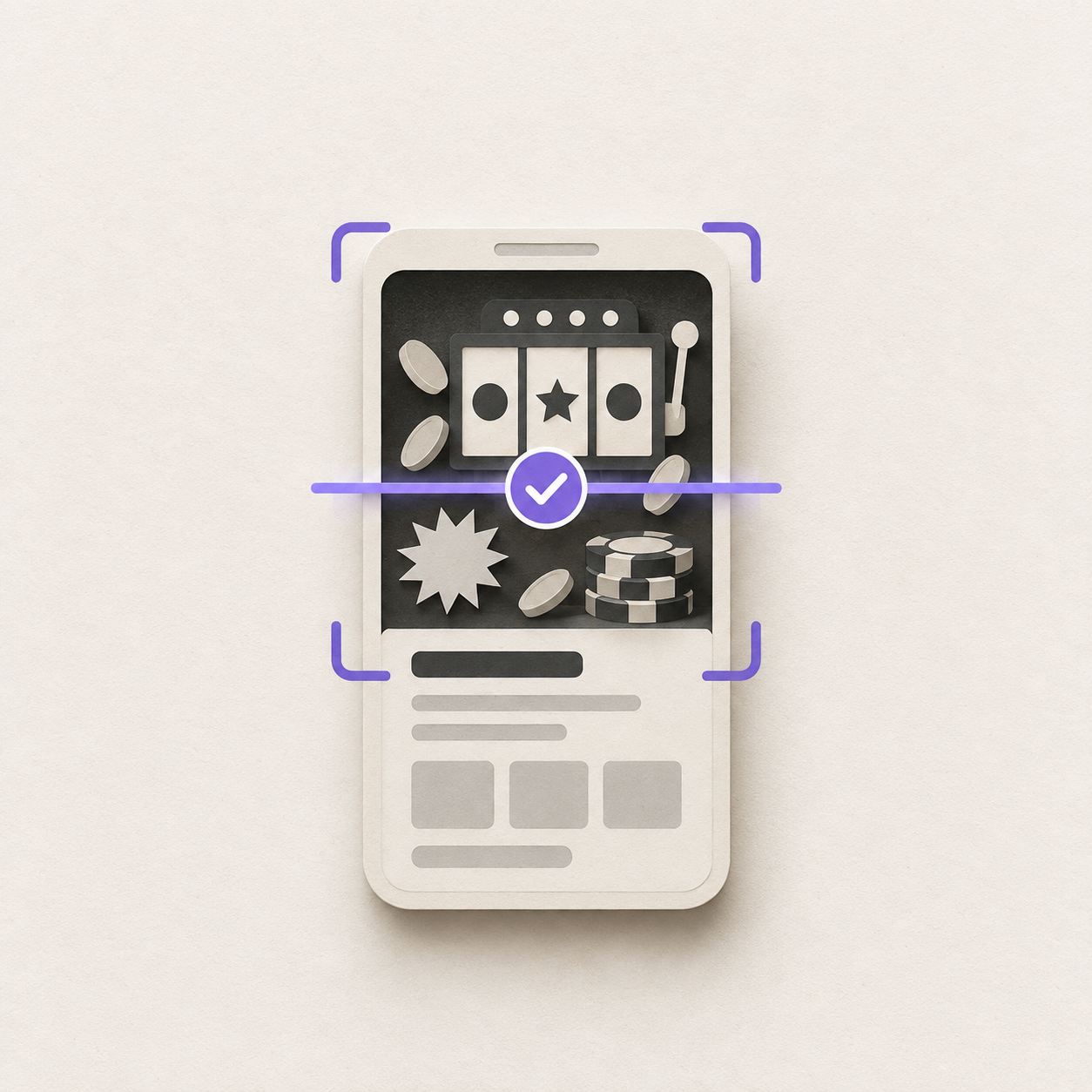
The scam that keeps landing in Discord servers this year barely uses words. A freshly compromised account posts screenshots: a crypto casino, a withdrawal marked successful, a balance, a bonus code. The text underneath is something like "insane, just cashed out" or nothing at all.
Your keyword filter has nothing to read. That’s the point of the format.
We built image moderation into Qreate for exactly this. Along the way, we found several parts of our own moderation path that needed to be stronger. We fixed them before making the system available more widely. First, the question people actually search for.
Does Discord AutoMod scan images?
No. Discord’s AutoMod filters message text: your keywords, suspected spam, mention spam, and Discord’s own word lists. An image attachment passes through it untouched.
Discord does have Sensitive Content Filters, and people often assume they cover this. They don’t. They are a display setting for the person viewing, which blurs or hides an image on their screen, not a server-side decision that removes it for everyone. And they focus on sexual media and graphic violence. A fake casino withdrawal is neither. It’s a clean, well-lit screenshot with a promo code on it.
So if you want a Discord server to act on what is inside an image, a bot has to look at the image.
What image moderation in Qreate does
When image moderation is on, Qreate can assess the pictures in a message together with the relevant message context. It checks them against the categories a server chooses: scam, phishing, harassment, hate, spam, NSFW and gore, plus any custom rules administrators write in plain language, such as "trading screenshots are fine in #market".
When Qreate sees a potential problem, it sends a review card to the moderation log with the author, channel, relevant categories, a short reason, and three buttons: Delete, Timeout and Dismiss. Automatic action is available only when the server explicitly gives Q permission to take it. By default, moderators stay in control.
We think that default is right. Watching what the system flags on your own server tells you more than any universal setting can. If you are already dealing with an active raid, you can enable automatic action when you need it.
The part we strengthened
While building the next part of the feature, we reviewed the existing path end to end. It revealed four issues that did not throw obvious errors. They simply made a moderation queue look quieter than it should.
- Every attachment now receives the intended level of attention. We strengthened how Qreate handles messages with several images, so an attachment cannot quietly fall outside the inspection path.
- Unusually busy messages no longer get a free pass. Qreate now handles them safely, records anything it cannot inspect, and keeps the moderation team informed.
- Delete now reports the actual outcome. If a message is already gone or Q lacks the right Discord permission, the moderation card says that clearly instead of claiming a deletion happened.
- Only evidence-backed image signals can influence moderation. Early test data was removed before production use. The shared protection list is now built only from confirmed, reviewable signals.
That is the useful lesson: reliability work is not only about avoiding crashes. It is also about making sure a quiet queue means a safe server.
Which picture was the scam?
A moderator presses Delete on a scam image, so the obvious next step sounds simple: remember that image and catch it next time.
Real messages are less simple. Someone may post a harmless meme beside a fake withdrawal screenshot. Or a normal picture may sit underneath a phishing link, where the problem is entirely in the text. If the system only returns one verdict for the whole message, it cannot safely know which image, if any, should be remembered. Guessing wrong could make a server delete its own memes.
Qreate therefore identifies the individual images that break a rule on their own. The review card explains what Delete or Timeout will do before a moderator presses it. If the problem was only in the message text, no image is remembered. Automatic deletions do not teach the filter either. Only a moderator’s deliberate decision can do that, so a bad model judgement cannot reinforce itself.
Remembering an image without keeping it
Qreate does not keep the picture. It stores a non-reversible perceptual fingerprint that can recognise a near-identical repost even after ordinary compression. It cannot be turned back into the original image.
That fingerprint is deliberately used for one narrow job: catching the same scam screenshot as it spreads through compromised accounts. A cropped or materially edited image is treated as a new image and is still assessed by the image moderation system.
Where a remembered signal applies:
- On your server, immediately. It becomes a rule for that server only. Administrators can see its origin and activity in AI moderation settings, and remove it at any time.
- On other servers, only after review. A candidate can join Qreate’s shared protection list only after human approval and evidence from unrelated servers. One mistaken moderator decision on one server must never turn into a global block. If your administrators remove a local rule before review, the candidate is withdrawn.
Remembered signals provide an additional, lightweight layer of protection alongside image moderation, including when a server has reached its AI usage allowance.
Can a bot catch a scam image that was cropped or edited?
A remembered signal is not meant to solve every variation. It is excellent at catching a scam screenshot reposted again and again during the same wave. A cropped screenshot, changed bonus code or swapped casino logo is a different image.
That is why the image check remains the protection. It reads what the screenshot is showing, rather than relying on whether it has seen that exact file before. Remembered signals make common reposts faster to handle; the moderation system is what catches the new version.
Setting it up
- Set a moderation log channel. Without one, there is nowhere for review cards to go.
- Turn on the Moderation module, then Image moderation and AI message moderation in its AI moderation section. The full list of settings is in the moderation guide.
- Keep the categories you care about and write the exceptions your community actually has as custom rules.
- Leave Moderate in Q’s authority on ask for the first week, and use the review cards. Confirmed decisions help your server respond to recurring scam images more effectively.
If you have seen a scam image that keeps coming back and it is not being caught, tell us in the Qreate Discord. A real report helps us protect communities better than a made-up test case ever could.