
Someone on our server suggested a way to see who’s awake when you are. Colour every member by timezone, so a red icon knows at a glance that orange is close and blue is asleep.
They also spotted the problem with their own idea before we did: nobody is going to add 38 roles by hand.
We built something out of it.
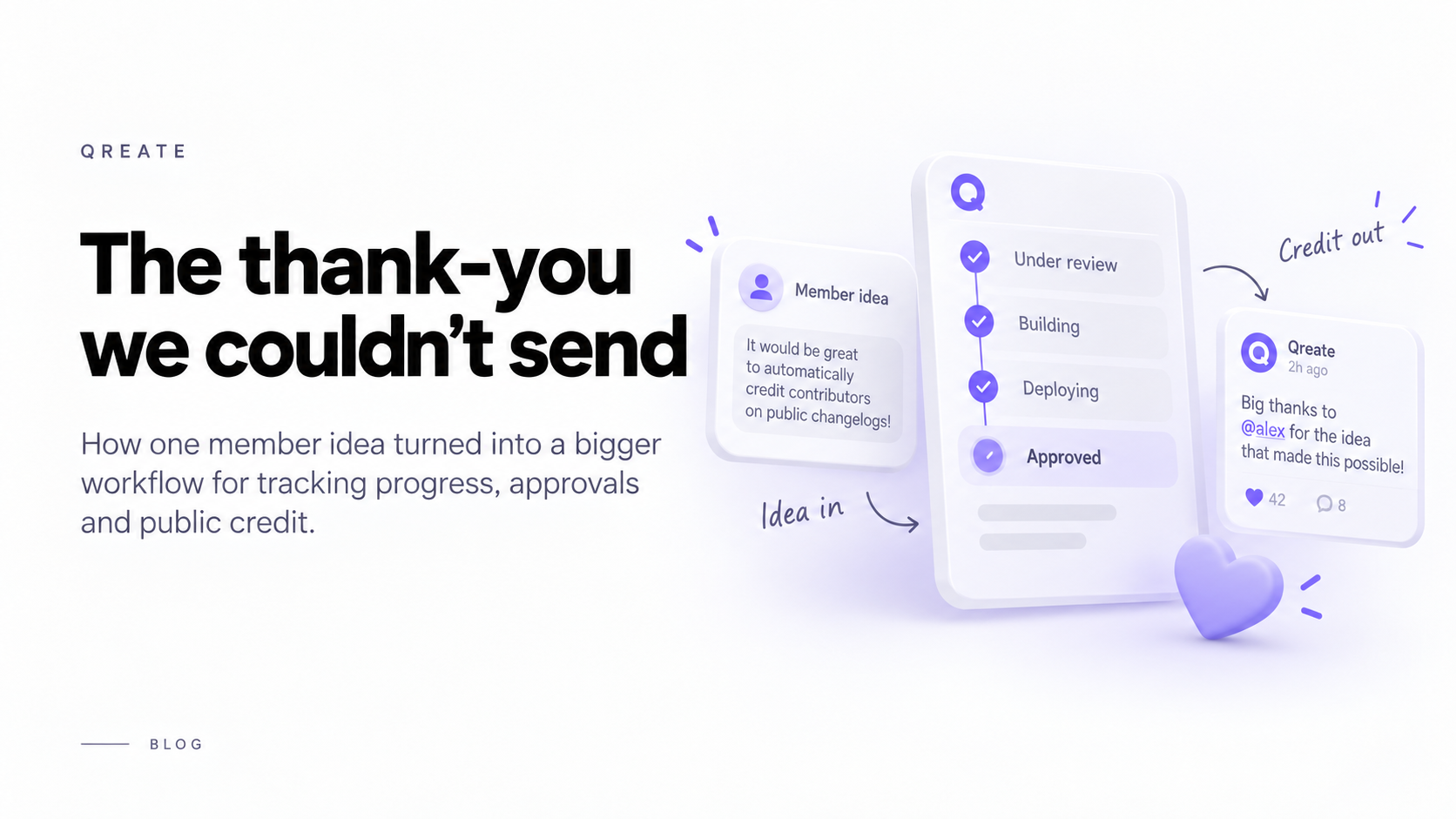
Then we went to publicly credit them for it, the way you should, and found we had no way to do that without doing it by hand every time.
That second problem turned out to be the more interesting one.
A lot of Qreate grows this way. We use the same tickets, automations and workflows ourselves, so when something becomes awkward in our own process, we usually end up fixing the missing piece for everyone.
This one started with something very specific: when somebody gives us an idea and we actually ship it, thank them at the right moment.
But there is nothing particularly Qreate-specific about that workflow.
A Minecraft server might do the same when a player suggests a build, plugin or event that actually gets made. A gaming community might move an idea from review to development to live. Any server where people suggest things and somebody on the other side actually builds them has roughly the same problem.
So what started as a way for us to say thank you became something much bigger.
Why a ticket couldn’t tell anyone anything
Qreate’s automation rules could react to a ticket opening and a ticket closing.
Nothing in between.
Which sounds minor until you write it out.
Everything interesting happens in the middle.
Staff pick it up. Somebody changes the priority. A tag moves from “under review” to “building this”. A feature ships.
By the time the ticket closes, the moment you actually cared about might have happened a week ago.
So if you wanted to say:
“When this idea reaches the stage where we’re deploying it, post a thank-you to the person who suggested it.”
You couldn’t.
You could only do it after the ticket was over, when the thank-you had already gone stale.
Teaching tickets to notice movement
The fix looked simple: add a trigger for ticket updates.
The implementation was less simple.
Ticket records were being changed from eight different places in our own code. Fixing only the paths involved in the original request would have left the rest silent, which is exactly the kind of thing that comes back later as an impossible-to-reproduce bug.
So they all go through one place now.
That code compares what the ticket looked like before with what it looks like after.
If nothing meaningful changed, nothing happens.
If the status, stage, priority or other watched value changes, the automation gets an event.
That also means it fires once when something moves, instead of every time somebody saves the ticket.
Then we found another gap.
If your tickets are forum posts, staff often move them by changing Discord forum tags.
We weren’t watching that at all.
We only knew about the tags our own panel had applied when the ticket was created. So somebody could manually move a ticket to deploying in Discord while Qreate still thought it had been untouched since day one.
Discord already gives us the state before and after a thread update, so once we noticed the gap, that part was straightforward to fix.
And if you don’t use forum posts, tickets can now have actual stages.
You name them.
Triage. In Progress. Deploying Feature.
Whatever your team already says out loud.
If you never create stages, nothing changes. No extra button, no forced workflow.
The part we were nervous about
Once a ticket can trigger something, the obvious next step is letting automations do more with it.
Read the ticket.
Summarise it.
Generate artwork.
Post the result publicly.
Which is also a very efficient way to embarrass yourself at scale if something goes wrong.
So any step can now pause for approval.
Qreate posts the finished result into a staff channel with Approve and Reject, then stops.
Nothing after that point runs until somebody decides.
The important part is that you’re approving the exact thing that will be published.
The preview and final post use the same snapshot. We don’t show you one version, let you approve it, then quietly regenerate another one before publishing.
That would make approval theatre.
We also made approval atomic.
Two people pressing Approve at the same second is not an edge case.
It’s Tuesday.
One action wins. One post goes out. The second person gets told somebody already approved it.
Two bugs, one of them had been around for months
The first one was ours, made that same afternoon.
Tests caught it before release.
The code that split an AI-generated summary back into its sections allowed whitespace after a heading to cross a line break.
If one section came back empty, the parser could quietly swallow the next line and shift everything into the wrong section.
No crash.
No warning.
Just a confident, nicely formatted, wrong summary published under somebody’s name.
The same little parser also cut off sections that continued onto a second line.
Both were fixed before this went out.
The other bug had been sitting in the dashboard for much longer.
A member reported that while generating a theme, the window would suddenly close after they typed enough text. They couldn’t remember exactly where it happened and assumed there was some hidden character limit.
There wasn’t.
The input was single-line. Once the text became wider than the field, it started scrolling sideways to follow the cursor.
The popover was also listening for scroll events so it could close when the page moved.
It couldn’t tell the difference between the page scrolling and the text field scrolling inside itself.
So at a certain width, typing made the field scroll, the popover saw “scroll”, and closed itself.
That’s why the limit felt arbitrary.
It wasn’t about character count at all.
It’s fixed now. Scrolling inside the popover is ignored, while real page scrolling still closes it.
What we’d tell you to check
If your tickets are forum posts, your tags can now be automation triggers.
That is probably the first thing worth looking at.
The tag your team already drags around might already describe the exact moment you wanted to automate. You don’t need to redesign how your staff works just to make the automation fit.
If a rule is going to publish something publicly, use the approval step the first few times.
Not because the system is supposed to fail, but because seeing the finished result in context is how you notice the weird cases before your members do.
And the timezone idea that started this whole thing is live too.
Members set theirs once with /timezone set. No account needed.
LFG lobbies can then show who is close to your hours.
The rest of what that idea deserves, things like availability windows or finding one time that works for five people, is not built yet.
We’d rather say that plainly than make a roadmap sound like a feature list.
What started as one member suggesting a better way to show timezones ended with tickets that can understand when something meaningful changes, pause before acting, and let automations react at the moment that actually matters.
Which is a lot more useful than the thank-you message we originally set out to send.
If any of this behaves differently on your server, tell us.
That’s a bug, and we’d rather hear about it now than six weeks later in a ticket that starts with:
“This happened a while ago and I forgot to report it.”