
On 4 October, Double Counter, a verification bot, started posting someone else’s invite links in about fifty servers. Nobody got clever. The attackers had the bot’s token, and a token is all Discord asks for.
By Double Counter’s own account, the way in was an old server that nobody used any more and nobody had switched off. It was running an analytics tool with a known flaw. About 12 GB of records were copied. The details are in Have I Been Pwned and press coverage.
We feel for the Double Counter team. They spent years building the thing, and now they’re explaining it to everyone at once. This can happen to anyone, and most of us have a forgotten machine somewhere with “I’ll turn that off later” written on it.
We feel for the people on the other side too: server owners who installed verification to protect their community and got foreign links in their channels and questions from their members, and the members whose data ended up with strangers.
If your server used it
In the order we’d do it.
Tell your members first. Anyone who verified through that bot may now get phishing that uses their username or email. A pinned message saying “mods will never DM you a link to verify again” takes a minute.
Then open your server’s integrations list and read what each bot can actually do. A verification bot needs one role and one channel. If it can mention everyone or manage channels, trim that. It goes for every bot you run, not just this one.
Don’t remove the old bot until the new one works. A server with no verification at all is exactly what raiders are hoping for. Set up the replacement, test it with a second account, then take the old one out.
And if the injected invites reached your members, say so in the server. People cope with bad news fine. Finding out last is what annoys them.
What we checked on our side
We didn’t assume we were fine. We went through what we run. This week we:
- looked at what’s reachable from the internet: only the website and a protected admin login
- updated our web analytics tool, after backing up its data
- updated server libraries that had known vulnerabilities
- replaced our Discord bot’s access key with a new one. The old one no longer works. We found no sign that anything had happened to it, so this was a precaution
- closed off unnecessary access to files that hold secrets
- tied the network signal we store during new verifications to a secret key
Nobody can guarantee complete security right now. Vulnerabilities turn up at large companies and small teams alike. We put a lot of effort into it, we follow vulnerability news and updates for everything we depend on, and each time we check whether it touches us.
How verification works in Qreate
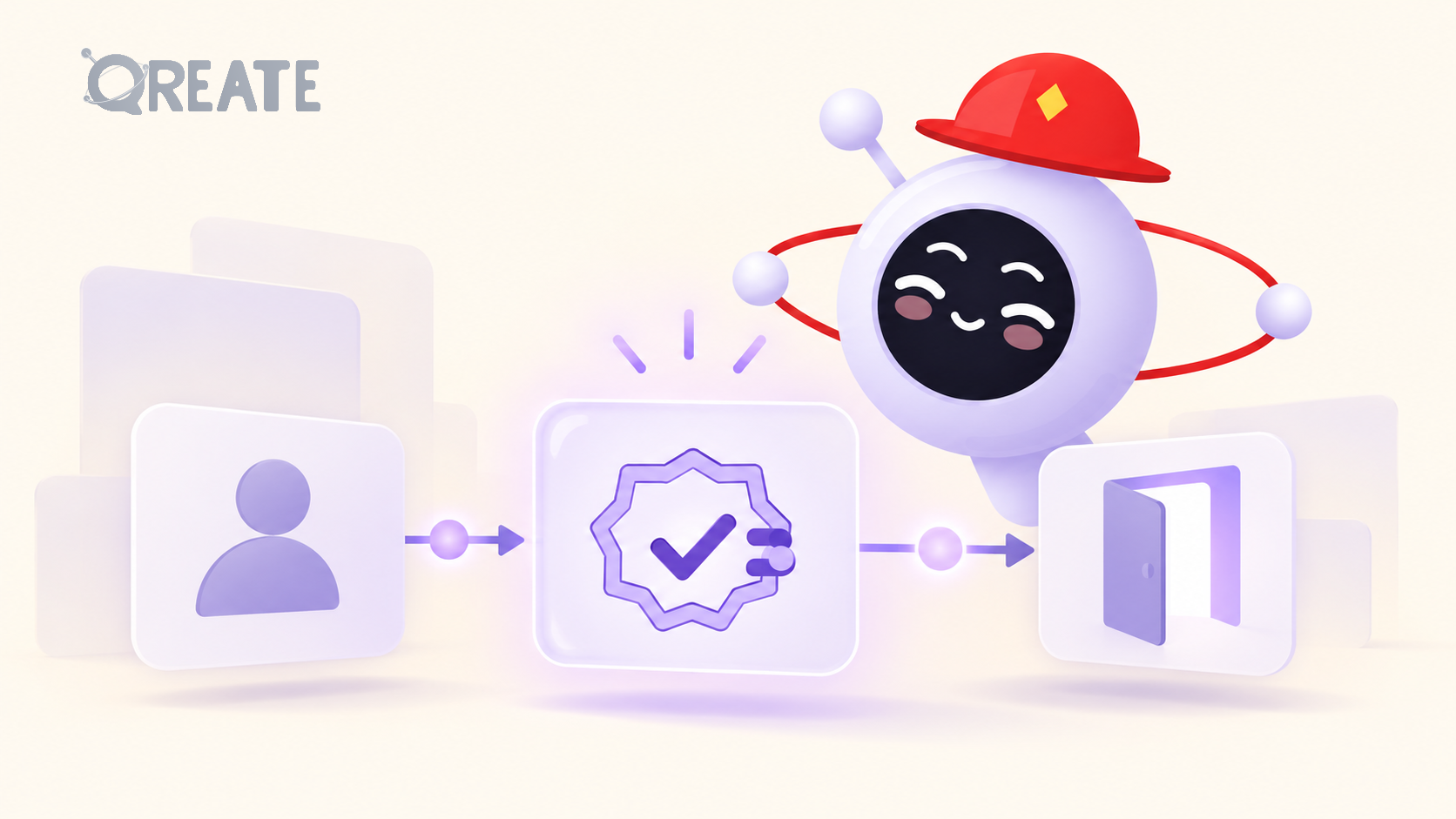
A member accepts your server’s rules, and Qreate sends them a private message with a button. The button opens a page on qreate.gg. The link is short-lived and stops working once it’s been used. The page runs a Cloudflare Turnstile check. We validate the result ourselves, and without a pass the role isn’t granted.
On top of that there are two optional checks, one for repeat accounts and one for proxies. Both are off until you switch them on. When one fires, it either warns your moderators or holds the member for a manual decision. If the proxy check can’t run, the member isn’t locked out, and your moderators are told that nothing was checked. Everything goes into a log, and if a moderator approves someone by hand, the log says exactly that: by hand.
For every attempt we store a network signal, browser data and the time, whether or not you’ve switched on the optional checks. Records are kept until the server’s data is deleted or you ask for them to be erased. There is no automatic expiry. You can delete them in the dashboard under “Privacy and data”, or by writing to [email protected]; we normally answer within a month. Verification doesn’t collect email addresses. More in the privacy policy.
If anything above doesn’t match what you see in Qreate, tell us. That means the mistake is ours, either in the product or in this post.
How to set verification up: qreate.gg/discord-verification-bot
Every bot permission and every forgotten server is a small decision. Discord gets safer when enough people make them carefully, and we’re doing that together with you.
Be Qareful.