How it started
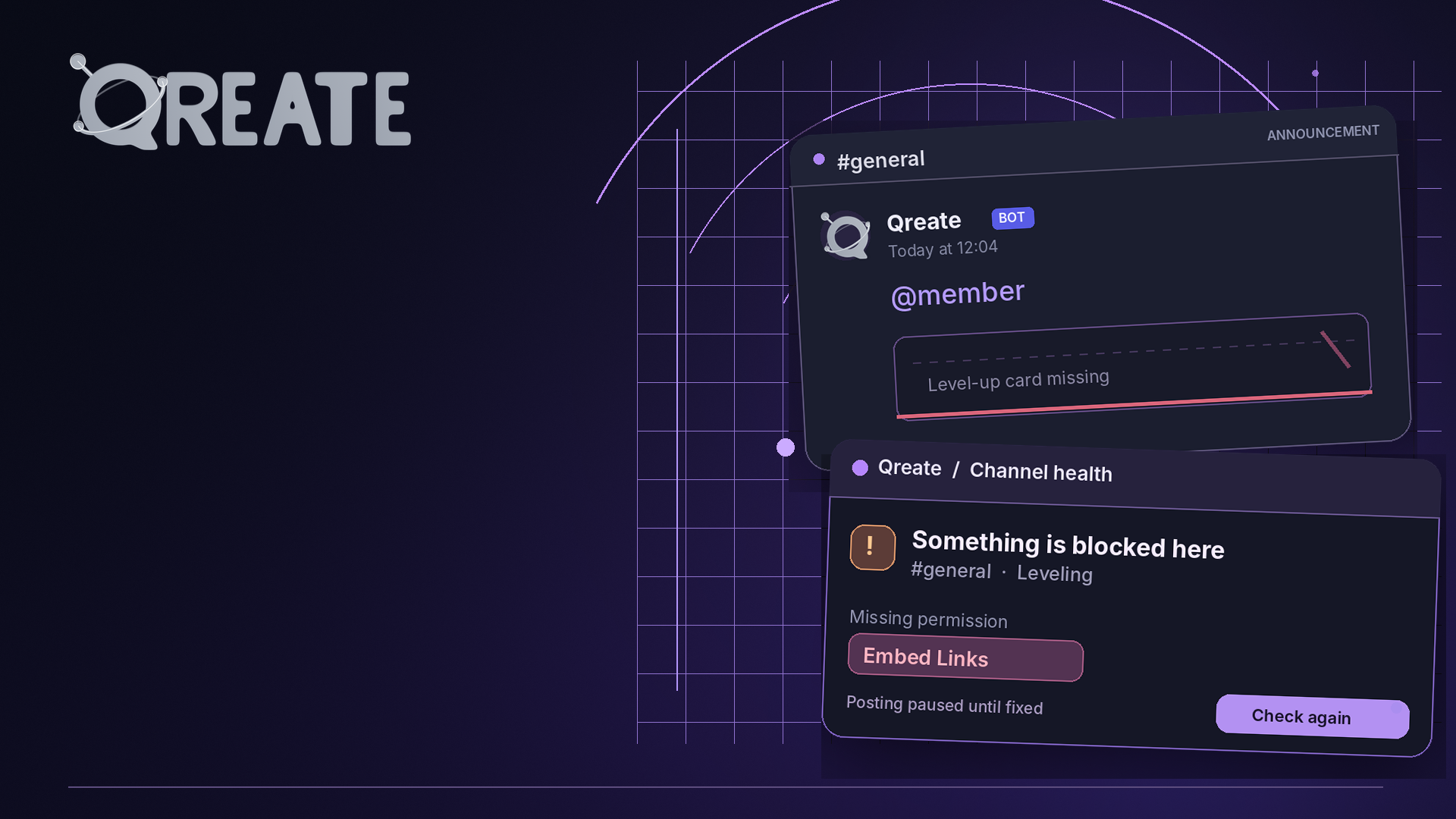
A member reaches a new level, Qreate announces it in #general, and everyone sees… @name. No level card, no reward details, nothing worth celebrating.
We traced this to a channel permission override. Qreate had Embed Links at the server level, but not in that particular channel. Discord delivered the mention and silently dropped the embed. Worse, our posting code didn’t record the problem, while /setup reported that all permissions were granted because it only checked the server-wide role.
That discovery led us to two similar problems in moderation.
Moderation was working, but nobody knew
AI moderation could be enabled without a moderation log channel. The checks still ran and consumed credits, but review cards had nowhere to go. Moderators saw an enabled feature with no indication that its results were being lost.
We’ve changed that. AI moderation now requires a log channel before it can be enabled, whether you’re configuring it in the dashboard or through Q. Existing configurations are preserved, but missing destinations are recorded instead of silently ignored.
We also found that our message filter was too focused on scams. It prioritised links, suspicious phrases and longer messages, which meant short harassment like “you’re trash, leave” could escape AI review entirely. When harassment or hate detection is enabled, Qreate now checks short sentences too, within the daily limit you’ve configured.
Better checks, clearer answers
Qreate now checks the permissions of the actual destination before sending automated messages, including channel and category overrides. If an announcement needs Embed Links, or an upload needs Attach Files, those permissions must be available. Otherwise, Qreate holds the entire message rather than publishing an incomplete version.
Repeated failures are grouped into a single incident, and connected admins receive a notification explaining what’s blocked and where, with a Check again button. Q can also read these incidents, so asking why something wasn’t posted should give you an actual explanation.
We’ve updated /setup accordingly. Alongside server-wide permissions, it now reports missing module destinations and known channel-level blockers. Channels that haven’t been checked are marked as such instead of being assumed healthy. The workspace Overview also flags unresolved posting problems.
What to check on your server
Make sure Qreate has View Channel, Send Messages and Embed Links wherever it posts announcements. For AI moderation, check that a log channel is selected under Moderation → Channels & Roles.
Then run /setup to see whether anything is currently blocked.
A feature showing as enabled should mean it’s actually doing its job. If Qreate can’t deliver something, you should know why without having to discover it yourself.